Made for your reading app.
Volume-grouped navigation and an embedded cover, with cover thumbnails in compatible reading apps.
 LNMTL Web to Ebook
LNMTL WEB TO EBOOK · VERSION 1.2.1
Download novels from LNMTL, keep a local archive, and turn saved chapters into EPUB, PDF, or HTML books. Your stories, ready for offline reading.
Get the free appWindows, macOS & Linux · Free to use
YOUR LIBRARY, ON YOUR COMPUTER
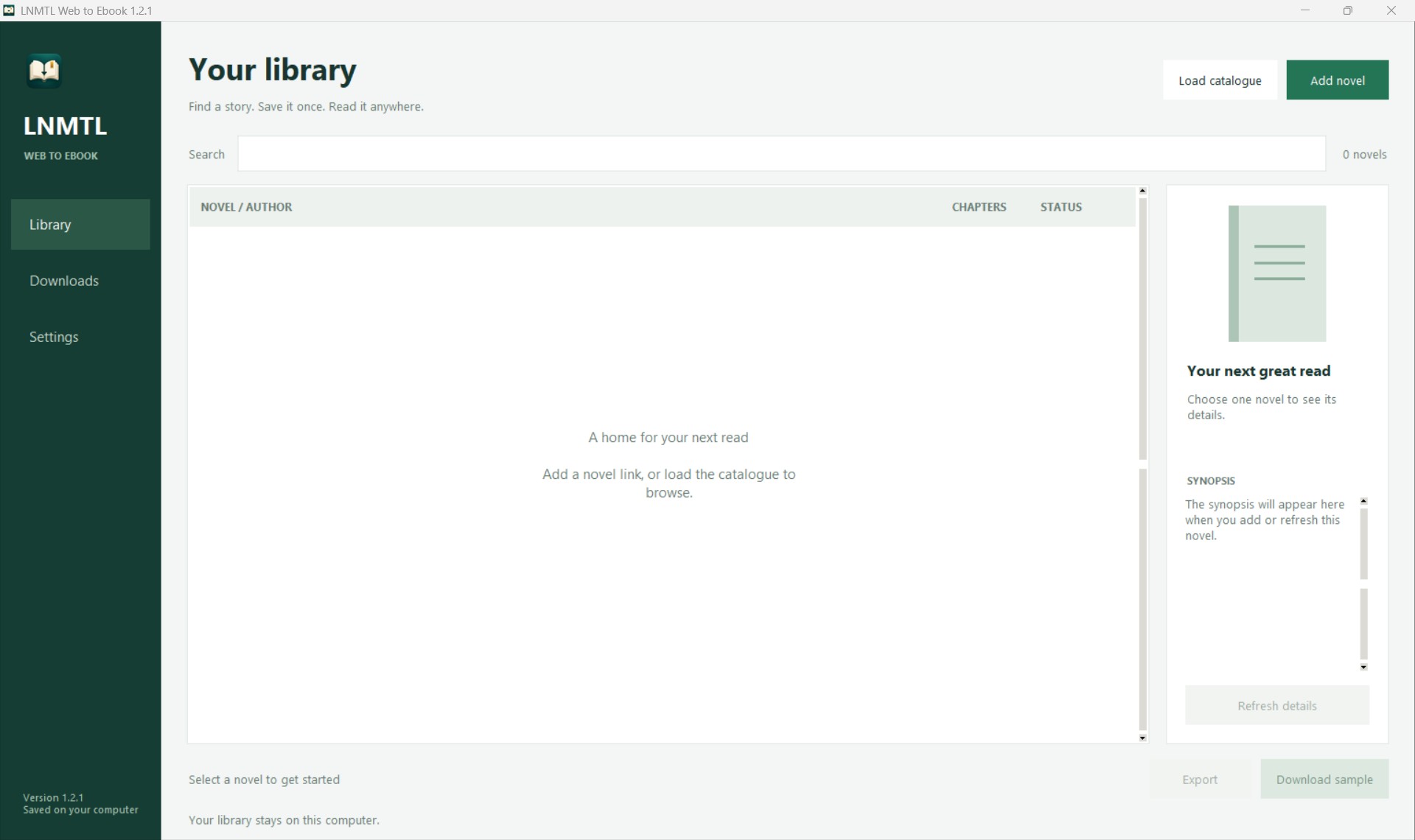
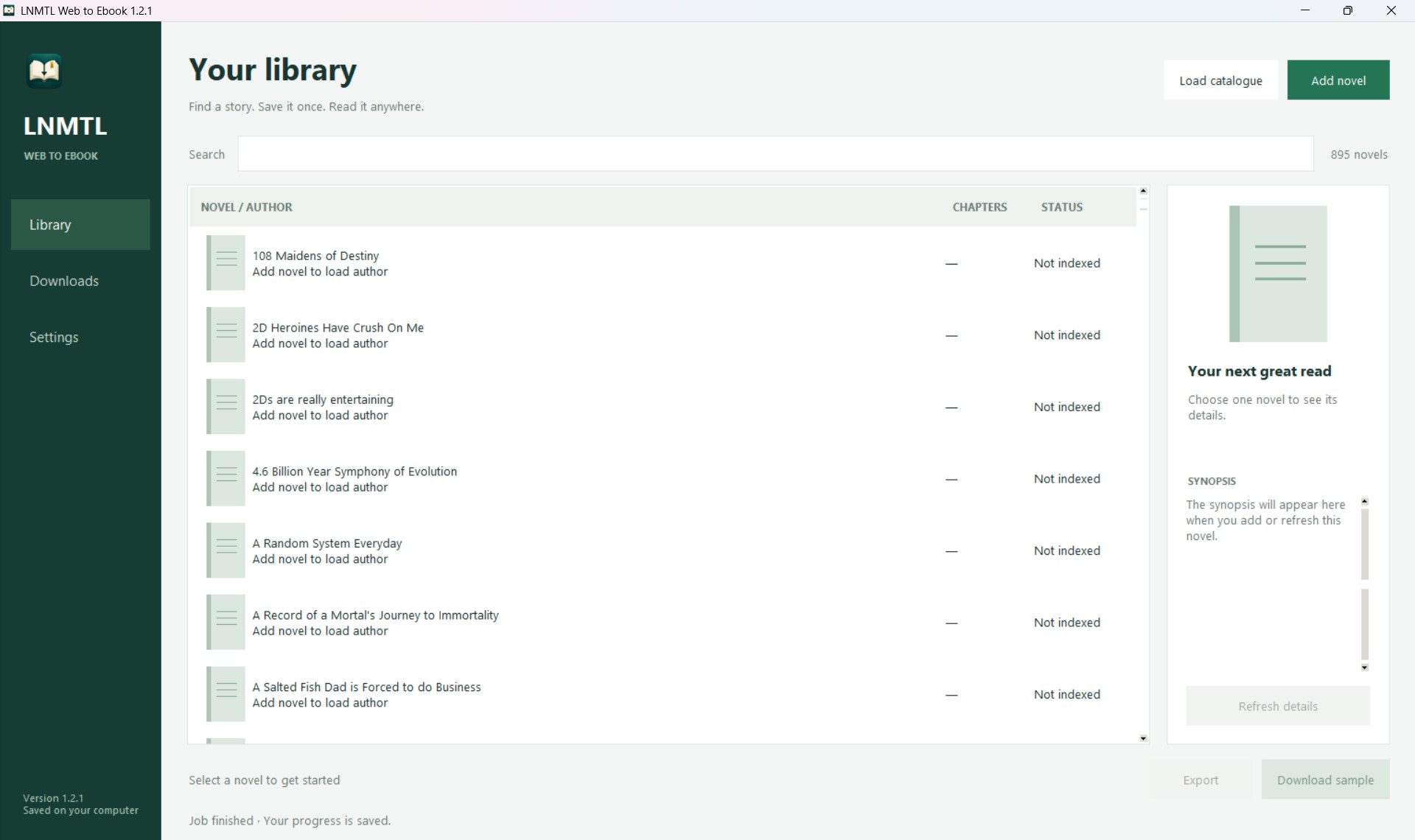
Load the full LNMTL catalogue or add a novel by URL or short name. Search by title or author, inspect covers and synopses, and select several novels to download or export.
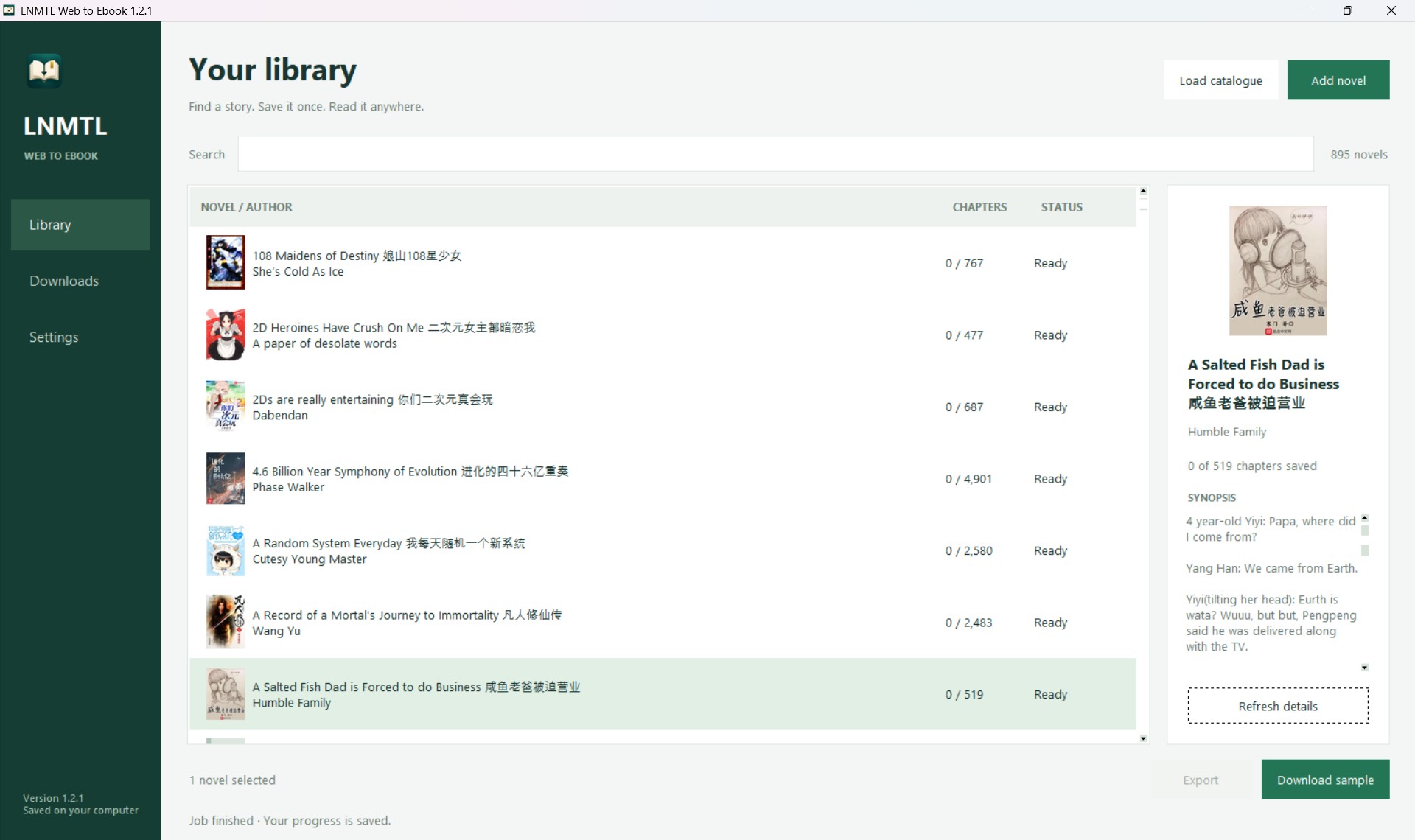
See posters, authors, synopses, chapter counts and saved progress. Refresh metadata and the chapter index without losing saved chapters.
Try a three-chapter sample or save all indexed chapters across volumes and paginated lists. Each successful chapter is saved immediately; resuming skips chapters already stored.
Saved chapters remain available even if LNMTL later removes their links. Choose your library folder and back up or transfer your archive by copying that folder.
ONE NOVEL OR THE WHOLE CATALOGUE
Download entire catalogue queues every novel and saves full novels regardless of sample mode. Novels download sequentially, one request at a time, with the queue stored locally across restarts.
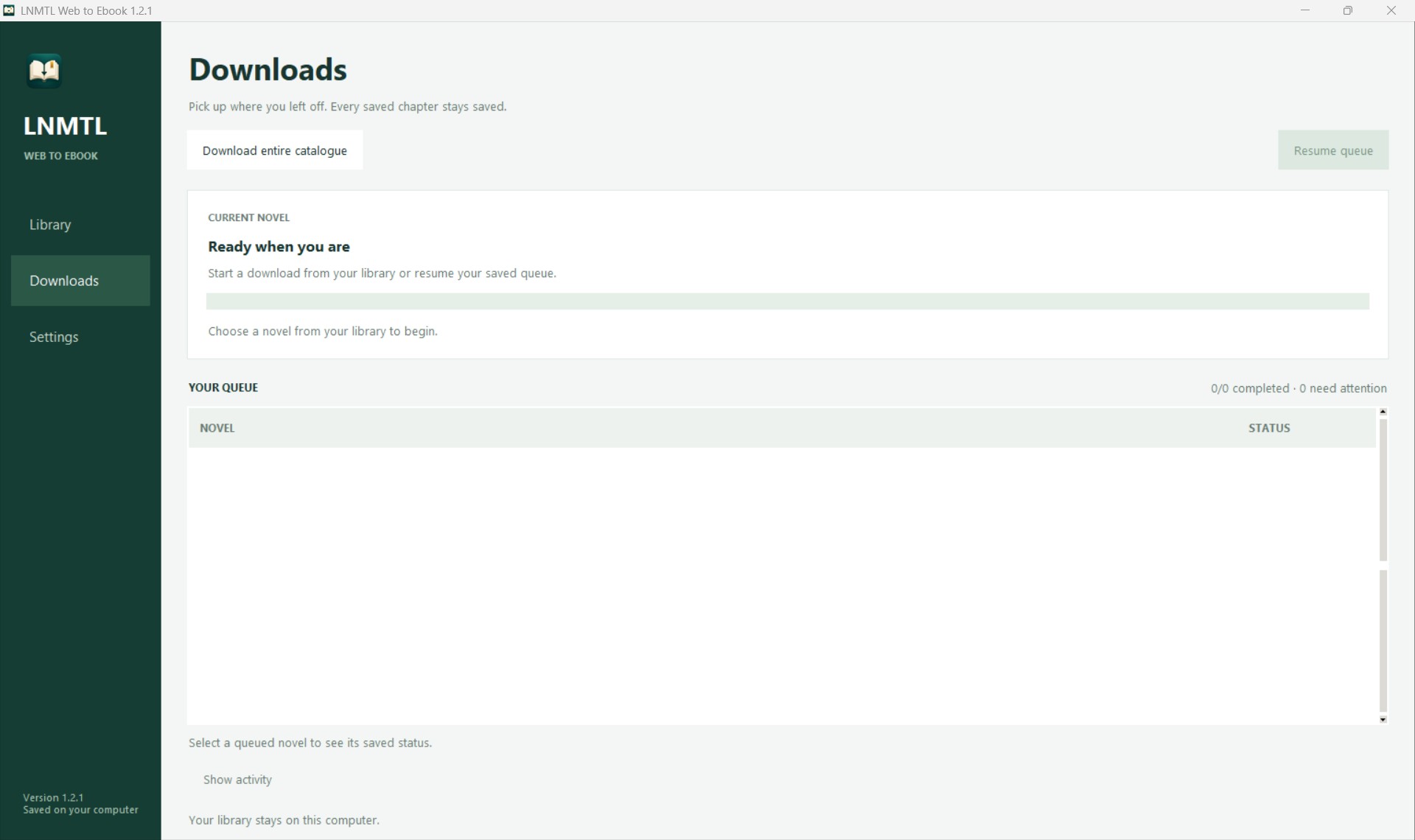
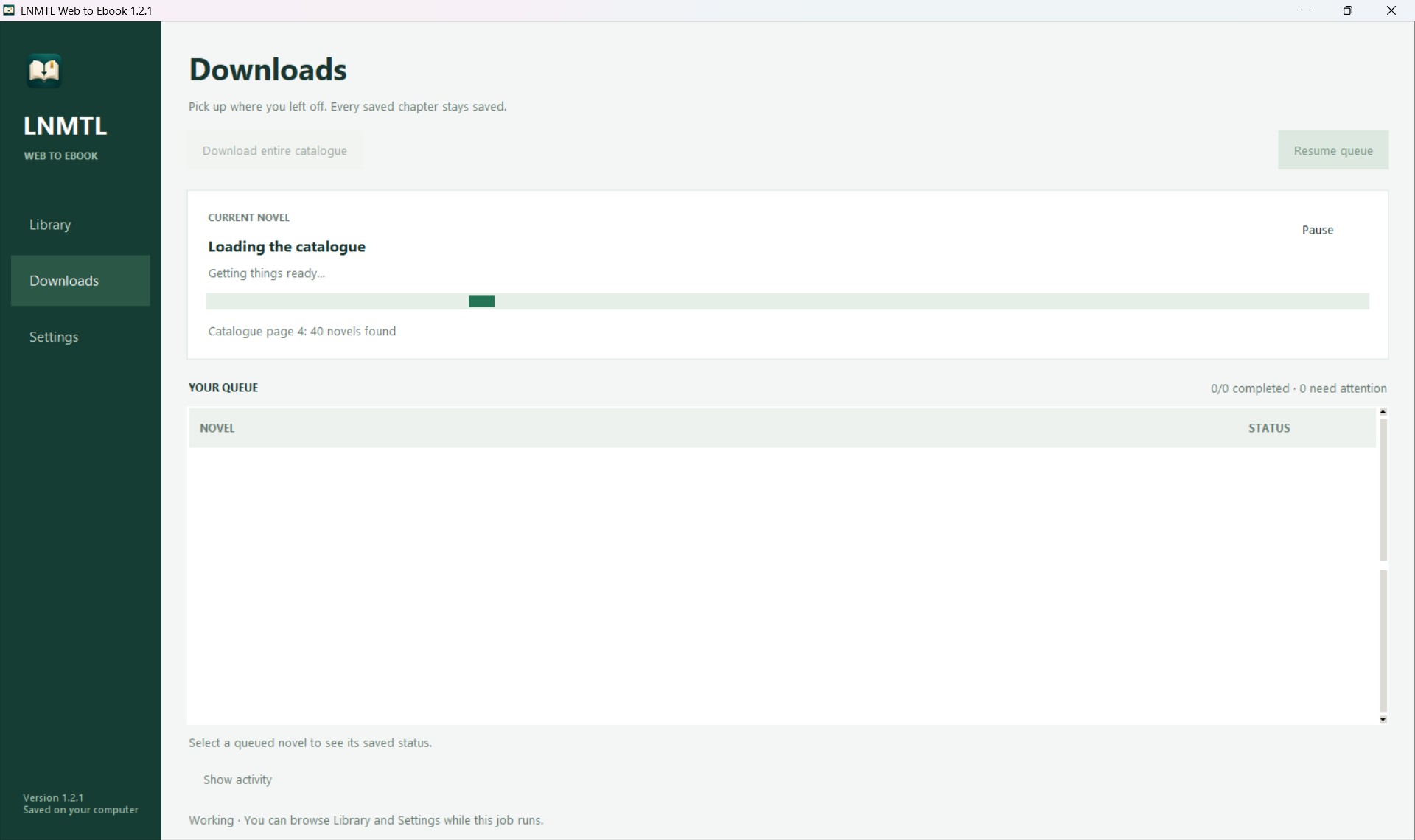
Pause safely, resume after closing or interruption, or enable resume when the app opens. A library lock prevents two queue runners from using the same archive simultaneously.
Ordinary download or export failures do not stop other novels. Failed jobs retry up to three times per run with increasing delays. Use Resume queue for unfinished and failed jobs.
Follow the current novel, saved chapter count, percentage and completed jobs. Select queued novels to inspect saved errors or expand Show activity for detailed messages.
During downloads, keep the app open and your computer awake. You can browse Library and Settings while a background job runs.
FROM SAVED CHAPTERS TO OFFLINE BOOKS
Export manually once at least one chapter is saved, or automatically after each queued novel finishes downloading. Each queued job keeps the automatic export formats chosen when it was added.
Volume-grouped navigation and an embedded cover, with cover thumbnails in compatible reading apps.
An A5 document with linked contents and page numbers, ready for offline reading.
A self-contained book with embedded images that you can open without an internet connection.
Exports can include the poster, title, author, synopsis and source attribution, plus volume headings, chapter headings and linked contents. Embedded posters work offline.
Blue glossary terms, green modified words, italics, bold, heavier emphasis and supported inline formatting are preserved, along with source links and a statement of download completeness.
You do not have to wait for every chapter. Partial exports state how many chapters are included. Every export also creates an archive report listing included chapters and outstanding downloads or errors.
A FEW PREFERENCES. A LIBRARY THAT STAYS YOURS.
Your local database keeps metadata, cleaned chapter text, progress, errors and queues. The archive also retains original downloaded pages, checksums and download timestamps.
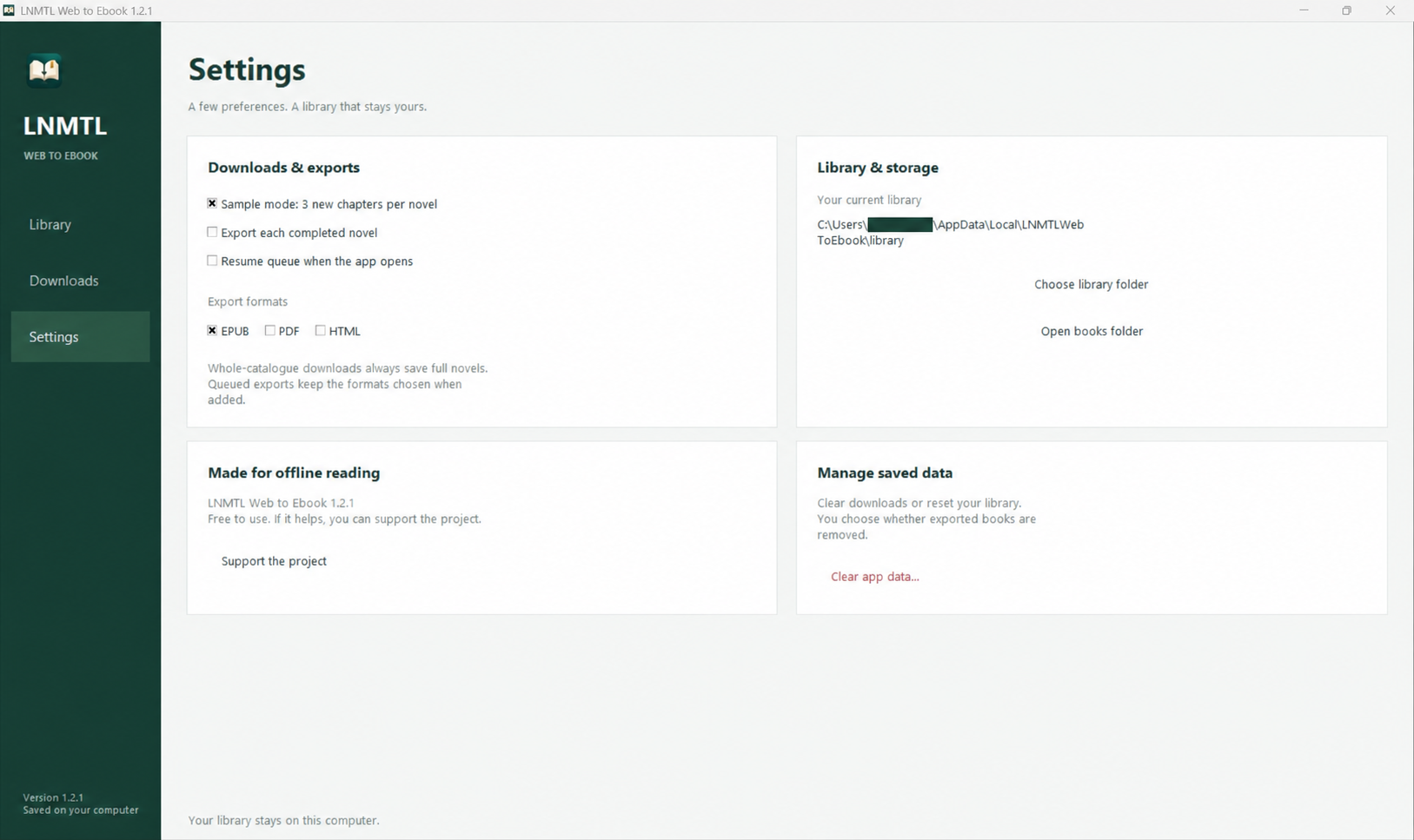
Choose another library folder or open your exported-books folder from Settings. Clear downloaded data, optionally remove exported books, reset preferences, or remove the default app-data folder.
FROM NOVEL TO PERSONAL ARCHIVE
From your first sample to a complete local archive.
Choose the app for your computer. Everything you need to run the app is bundled in the release.
Paste a novel link or short name. Or click Load catalogue to list all LNMTL novels, then search for the one you want.
Try Download sample for three chapters. To download all indexed chapters, turn off Sample mode in Settings and download your selected novels. Use Export to create your book, or enable automatic exports for queued novels.
For every novel, use Download entire catalogue on Downloads. This always saves full novels. A complete download covers available indexed chapters; the source novel may still be unfinished or have missing chapters.
START YOUR PERSONAL NOVEL ARCHIVE
Free to use. Choose your computer below.
We couldn’t get the latest download right now. Please try again or download from GitHub Releases.
Windows · x64
Download for Windows Open the .exe to get started.Choose your Mac’s chip
Apple Silicon Download for Intel Mac ↓Find your chip in About This Mac.Compatible Linux · x64
Download for Linux Prefer a .deb package? ↓Extract the archive and open the app.Always the latest release, directly from GitHub. View release notes ↗
BEFORE YOU TURN THE PAGE
No. You choose novels, and the app downloads their available indexed chapters as a whole-novel job. There is no individual chapter picker. Turn off Sample mode to download the full available novel rather than a sample.
Yes. All features are free to use. If the app becomes part of your reading routine, you can optionally support the project.
No. Download a packaged release for your computer. Python and the PDF engine are included. See the user guide for platform-specific help.
Sample mode saves three new chapters per novel. Turn it off in Settings to download all indexed chapters for selected novels. Or use Download entire catalogue, which always saves full novels. Export saved chapters manually or enable automatic exports for queued novels.
Yes. Your progress is kept locally. Reopen the app and resume; chapters already saved are skipped. Refresh the novel index to find newly available chapters.
Yes. Standalone releases support Windows x64, Apple Silicon and Intel Macs, and compatible Linux x64 systems, with Python and the PDF engine bundled. The source repository also provides command-line commands for loading the catalogue, indexing novels, downloading chapters, exporting books and checking archive status.
The releases are not currently signed or notarized, so your operating system may show a warning. Read the platform instructions before opening the app if you encounter a prompt.
The app downloads the available English novel content from lnmtl.com; it does not translate new text. You need internet and an accessible source site to download novels. Exported books can be read offline. It preserves the English machine-translated text available on LNMTL. It does not create translations, reconstruct missing chapters, bypass site access blocks, or download from other novel websites. Previously saved chapters remain in your archive even if their source links disappear.
BUILT TO HELP STORIES LAST
Support the independent software behind your personal novel archive.